Same six programs from the homepage — with what a parent should expect a kid to walk out holding.
A.I. & Generative Art
Grok, Higgsfield AI, and Open Claw
Kids learn to direct the tools instead of just scrolling past them. They write prompts, revise, and finish original work.
- Avatars, concept art, and animated assets
- Character sheets and poster art they can print
- How to tell a good result from a messy one
Motion Graphics & Video Editing
CapCut, After Effects, and Premiere Pro
They animate an idea and cut it like a pro — titles, timing, sound, and a finished clip they can send to grandma.
- Short promos, highlight reels, and motion titles
- Storyboarding before they touch the timeline
- Junior starts in CapCut. Senior moves into After Effects and Premiere.
3D Design / 3D Printing & Visual Effects
Blender and Tinkercad
Build it on screen, then hold it. Kids model characters, props, and simple scenes, then print the ones that are ready.
- Tinkercad for first models, Blender for real 3D
- Printed figures, tokens, and game pieces
- Basic lighting and VFX so the still looks cinematic
Game Development & World Building
Unreal Engine, Unreal Engine for Fortnite
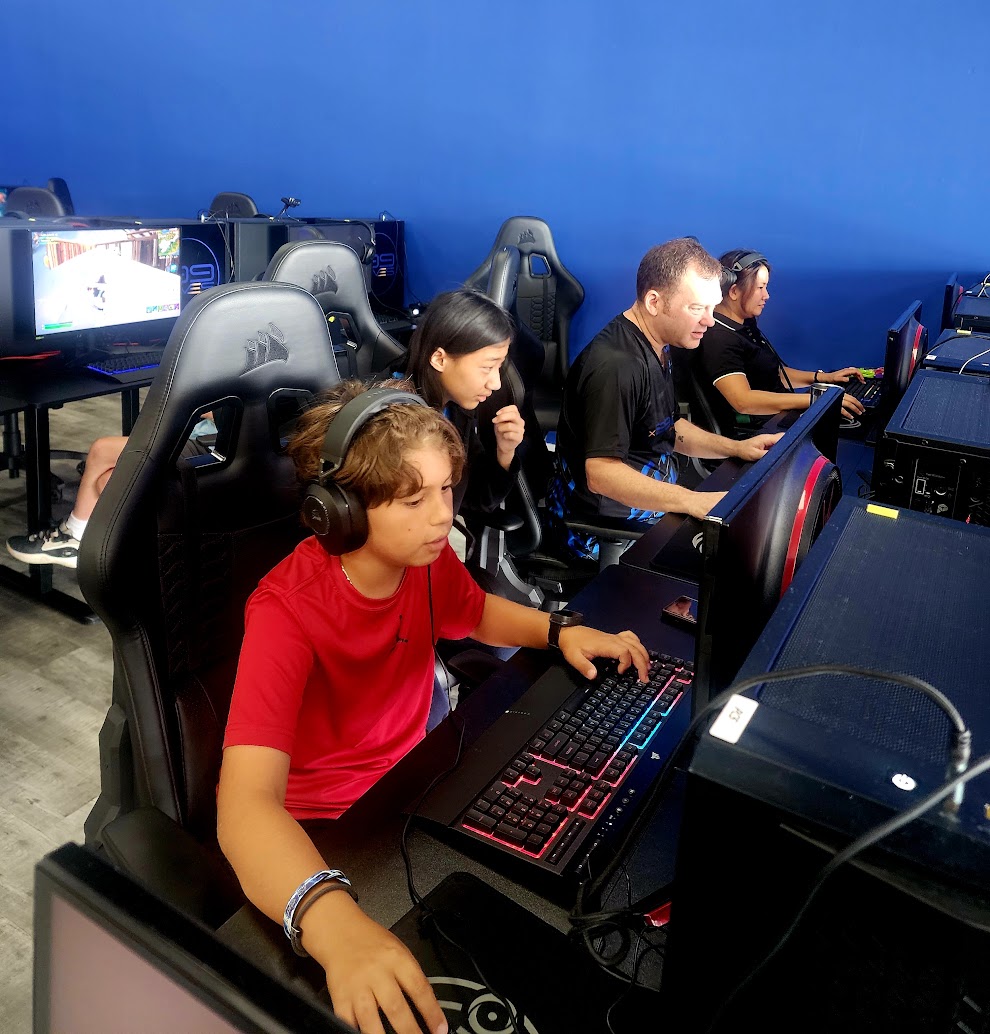
The game they already play becomes the classroom. They design a level, a rule, and a reason to replay it.
- Fortnite islands and interactive scenes
- Story, layout, and playtesting with the group
- A shareable world, not a tutorial they abandon
Design & Branding
Canva, Photoshop, and AI tools
Visual communication: logos, team identity, thumbnails, and social graphics that look intentional.
- Color, type, and layout in plain language
- A logo or banner for a game, team, or channel
- Portfolio pieces, not random stickers
Esports
Streamlabs, OBS, CapCut, and Canva · Ages 13+
Streaming and content the way competitive players actually do it — setup, overlays, commentary, and a clip worth posting.
- Stream layout, scenes, and safe on-camera habits
- Highlight edits and channel graphics
- Wednesday esports coaching, 2pm–6pm